Build your AI-powered second brain
Your notes, files, and AI context — organized in plain files, searchable with tags, and accessible offline. No cloud lock-in, no proprietary format, no subscription required.
Free & open source · Works offline · All file types supported
Why a file-based second brain?
Most second-brain tools only handle notes. But your knowledge lives in PDFs, images, bookmarks, emails, voice memos, and code — not just Markdown files.
Plain files = forever
Markdown, PDF, HTML, images, audio — all readable by any app, on any OS, for decades. No proprietary database, no export headaches.
AI-native
Built-in Ollama chat per folder — ask questions, summarize documents, describe images. Plus tscmd CLI for agent workflows. All free, all local.
Beyond notes
Unlike note-only tools, TagSpaces treats PDFs, images, emails, contacts, bookmarks, and 50+ file types as first-class knowledge — all tagged, searchable, and previewable.
How it works
1. Collect
Create Markdown notes, clip web pages with the browser extension, save PDFs and emails — all into local folders you control.
Learn more2. Organize
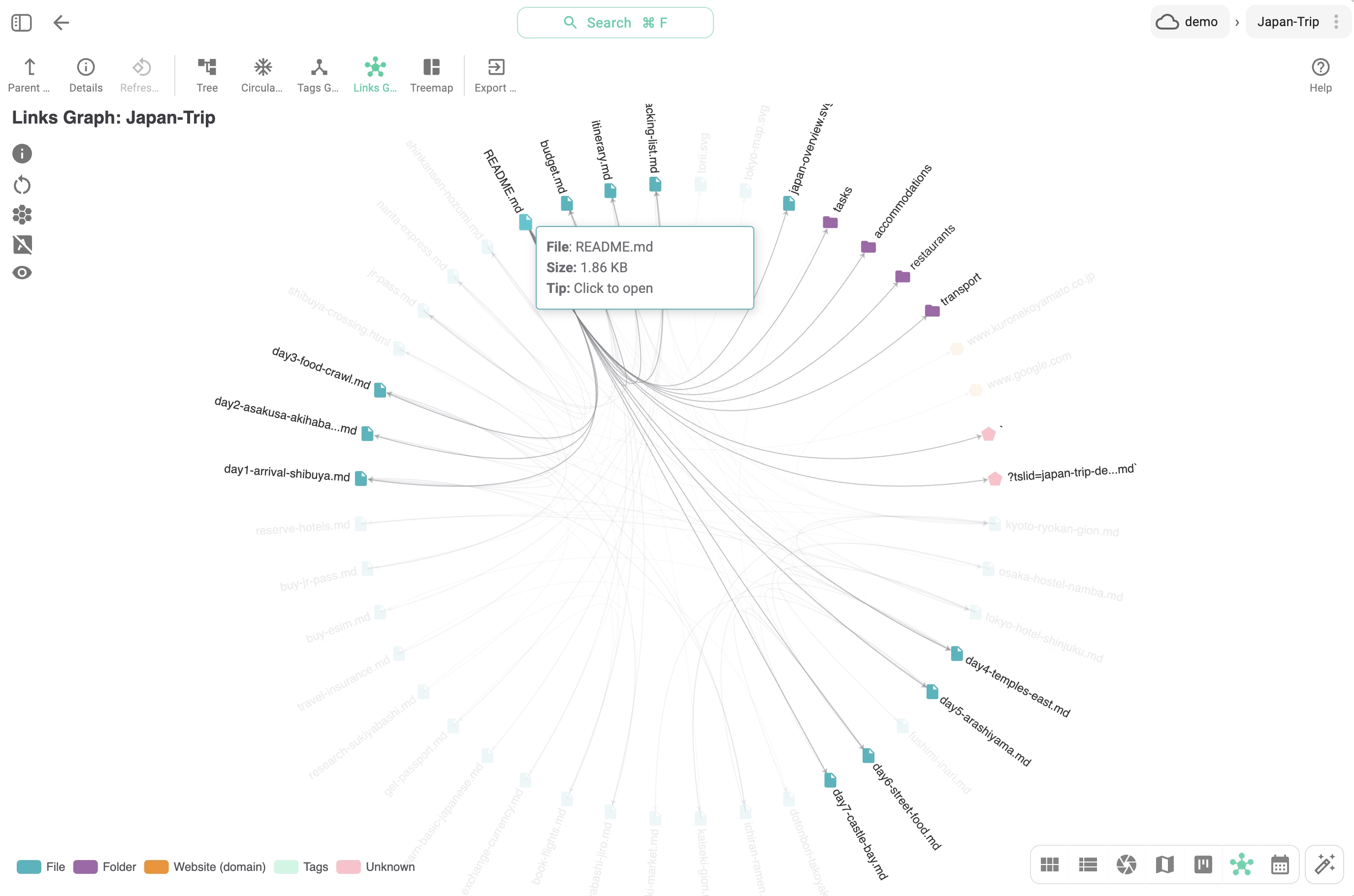
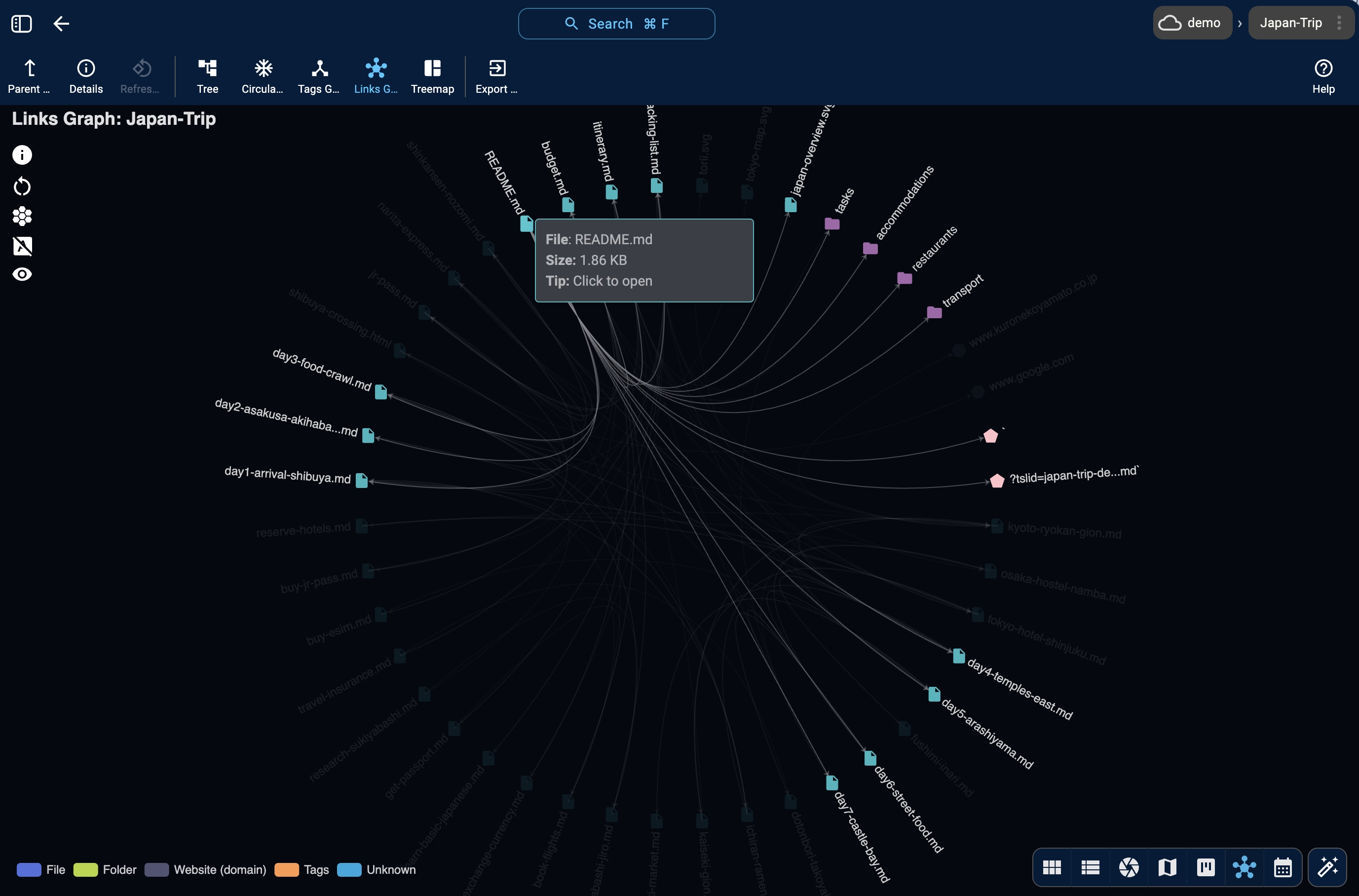
Tag every file with color-coded tags. Link related files with standard Markdown links. Build a folder structure that mirrors how you think.
Learn more3. Search
Full-text search across all file types. Filter by tags, date, file type, or size. Three search modes: fuzzy, strict, and semi-strict.
Learn more4. AI-enhance
Chat with local AI about your files. Auto-tag documents, summarize PDFs, describe images — all processing stays on your machine.
Learn more5. Browse
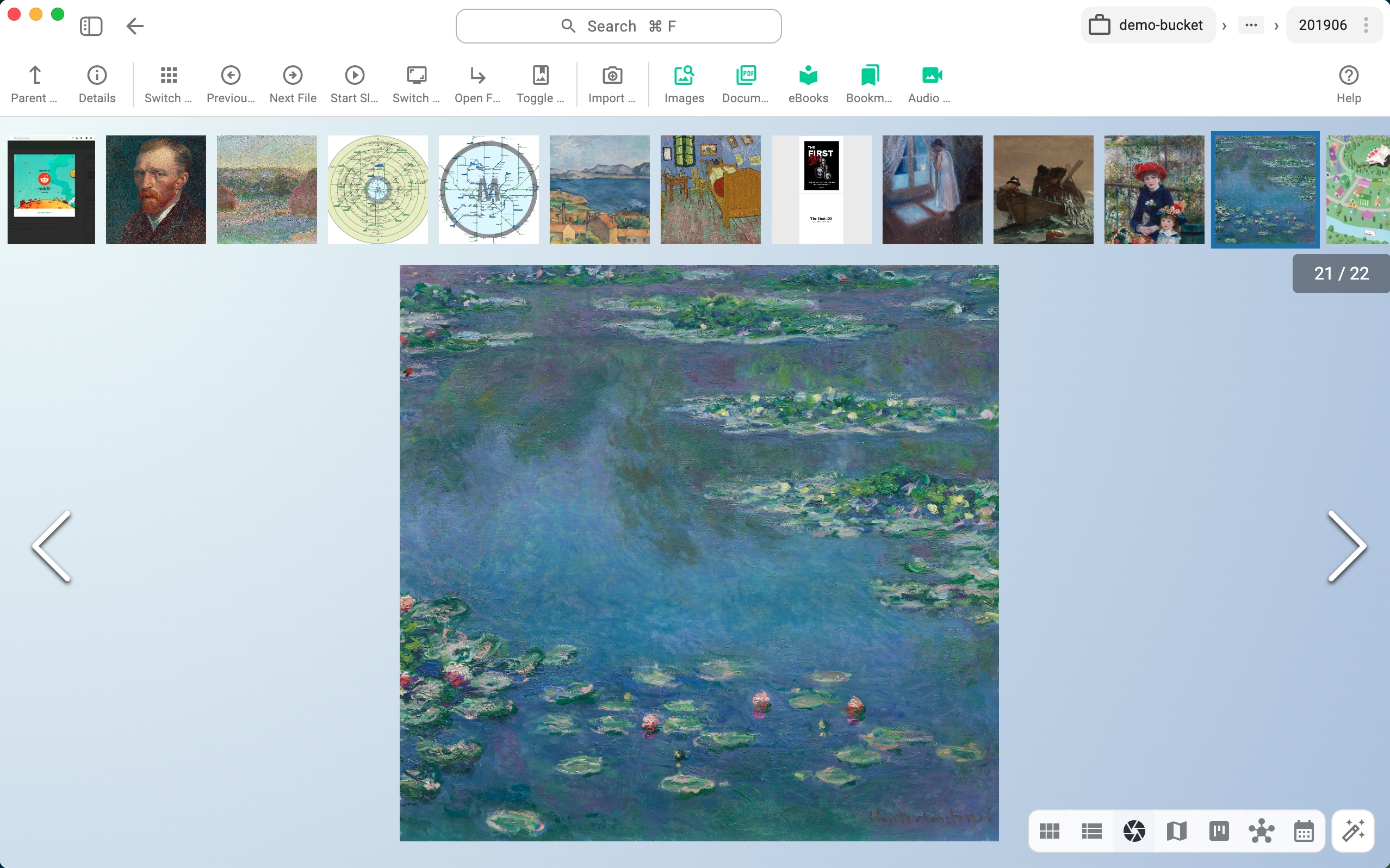
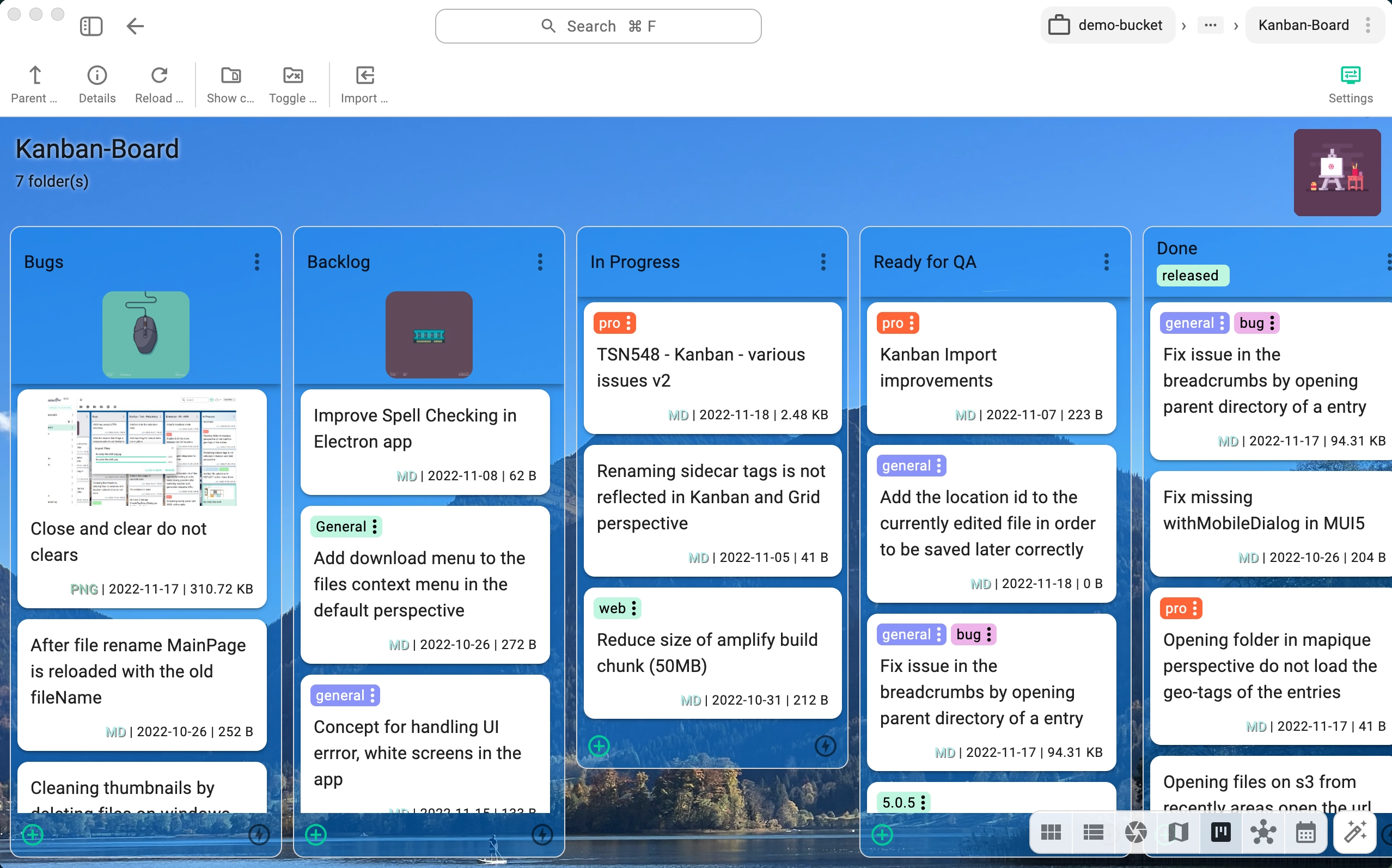
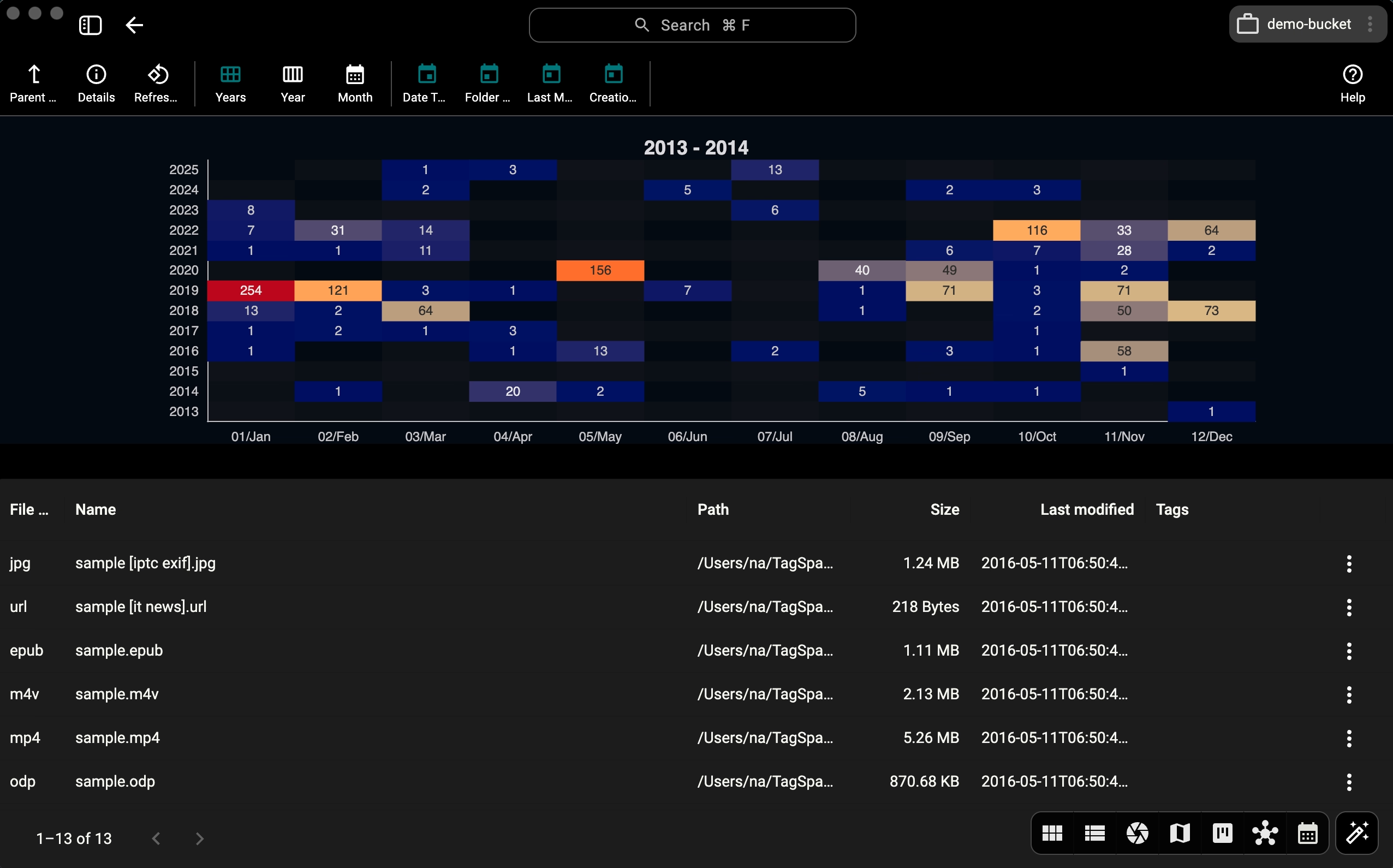
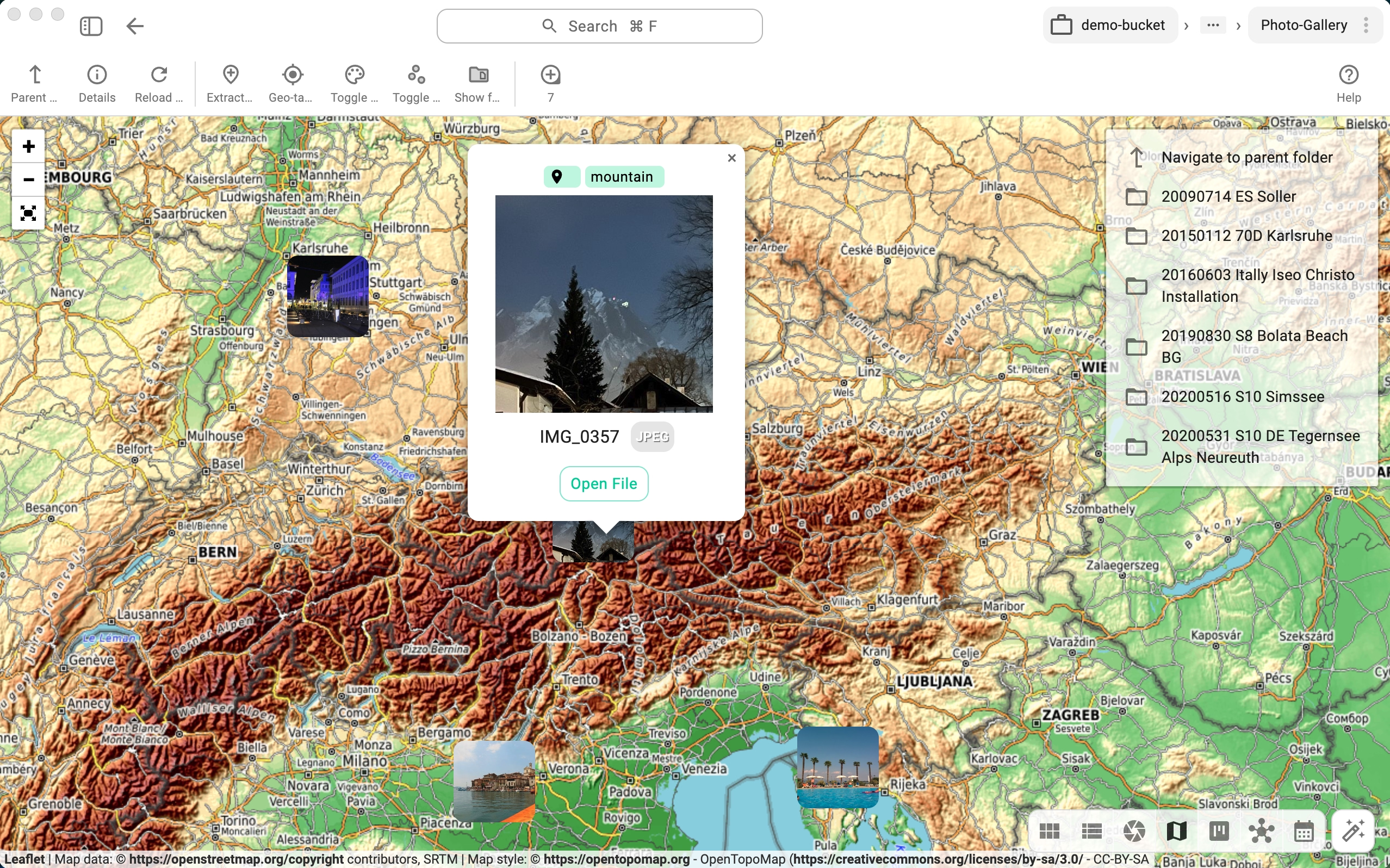
Switch perspectives: grid for files, gallery for photos, kanban for tasks, calendar for dates, map for locations, mind map for structure.
Learn more6. Automate
Use the tscmd CLI to tag, describe, index, search, and generate thumbnails from the terminal — with a query language (+tag / -tag / |tag / free-text) AI agents can call directly.
Learn moreWhat makes TagSpaces different
50+ file formats as first-class knowledge
PDFs, images, audio, video, emails, contacts, spreadsheets, 3D models, source code — all with built-in viewers, tagging, and search. Not just Markdown.
Free local AI — no subscription
Built-in Ollama chat in every folder. Summarize documents, describe images, auto-tag files — fully offline, fully private. No $20/month API cost.
6 visual perspectives
View any folder as a grid, photo gallery, kanban board, calendar, interactive map, or mind map. One click to switch. Each folder can have its own default view.
CLI for automation and AI agents
tscmd lets you tag, describe, index, and generate thumbnails from the terminal. AI agents can call it to organize files programmatically.
TagSpaces works alongside other PKM tools like Obsidian or Joplin — they read the same plain files from the same folders.
Works with Claude Code and AI agents
TagSpaces is designed to complement AI coding assistants, not compete with them. Here's how they work together.
Browse AI context
Point TagSpaces at your .claude/ folder. Browse memory files, plans, and settings with live previews — see what your AI remembers.
Learn moreTag decisions
Mark critical AI-generated files as 'decision', 'feedback', or 'stale'. Search across all projects to find what matters before your next session.
Automate with tscmd
Let Claude Code call tscmd to tag files, write descriptions, generate thumbnails, and build search indexes — all from the terminal.
Learn more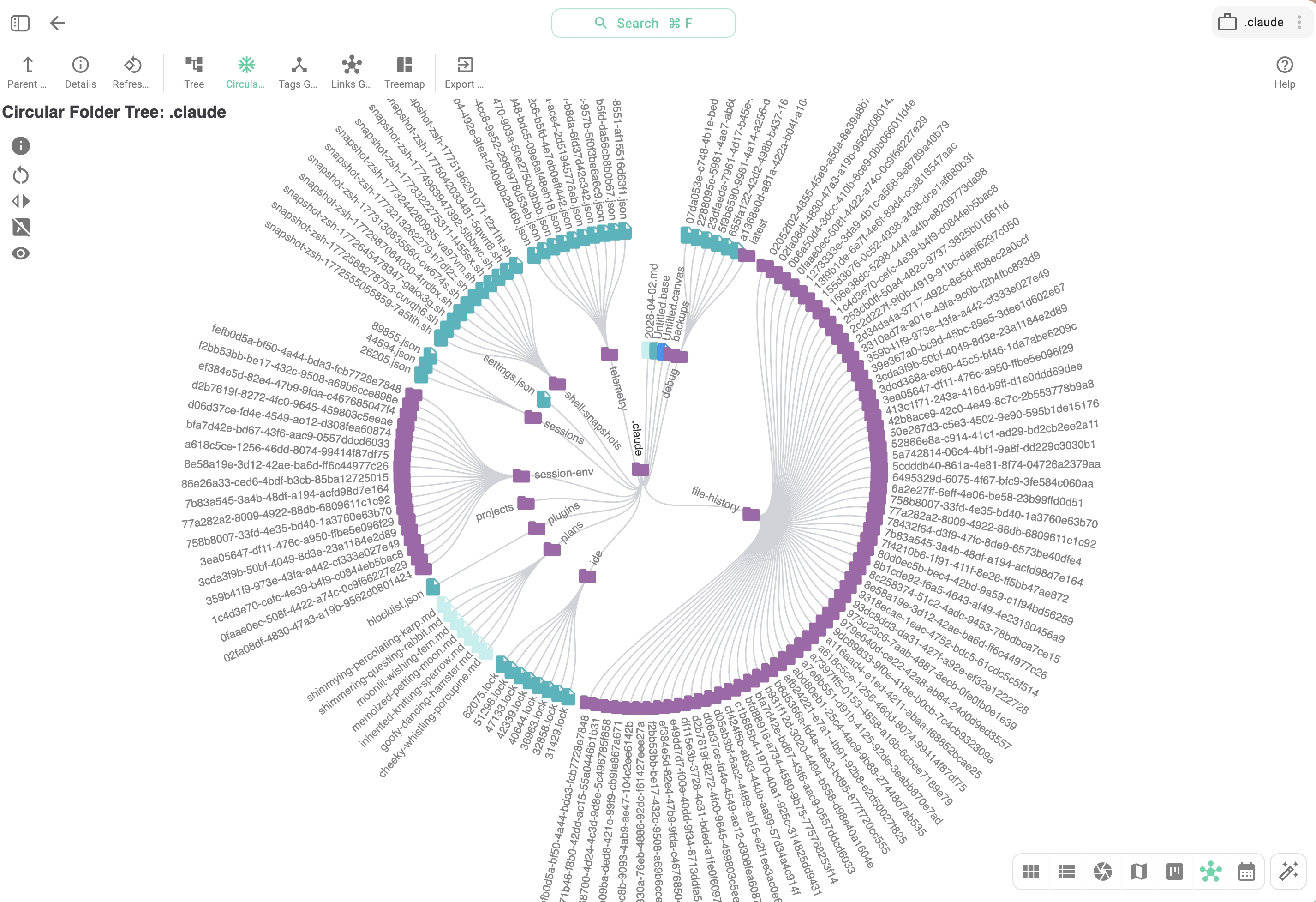
Built for ownership
A second brain you'll trust for a decade needs more than features. It needs the right defaults.
Made in Munich, Germany
Independent company since 2014. No VC pressure, no roadmap pivot to a cloud-only future. The plain-files philosophy is structural, not a phase.
Your data stays local
No telemetry. No account. No background sync. Files only leave your machine when you explicitly choose to sync them — to your own storage, your way.
GDPR-native by design
Local-first, offline by default, no third-party processors in the core products. Compliance is what falls out when you start from these defaults — not a bolted-on retrofit.
Get started in 5 minutes
- Download TagSpaces Lite (free, open source)
- Create a folder for your second brain —
~/second-brain/or wherever you like - Start collecting — notes, PDFs, web clips, bookmarks, images
- Tag by topic —
research,project-x,read-later,decision - Optional: Install Ollama for local AI chat, tscmd for CLI automation
How TagSpaces compares to Obsidian for second brains ▸
Obsidian is excellent at what it's built for: a writing-first, Markdown-native note editor with a strong plugin community. TagSpaces takes a different starting point — the file manager — so the comparison isn't apples-to-apples. Both are useful, often together.
| Feature | TagSpaces | Obsidian |
|---|---|---|
| File types | All formats first-class — PDFs, images, emails, audio, contacts, 50+ types | Markdown first-class; others are "attachments" |
| Linking between notes | Relative paths + ts:// internal links, incoming-links panel, per-file links graph | [[wiki-link]] syntax with autocomplete + backlinks panel |
| Graph view | Links Graph + Tags Graph (Pro) — spans all file types | Graph view (Markdown only) |
| Tagging | Color-coded, sidecar JSON or filename-based | YAML frontmatter |
| Built-in AI | Local Ollama chat per folder — free, offline | Plugin-based or external (Claude Code ~€20/mo) |
| CLI / scripting | tscmd (first-party, MIT) — tag, describe, indexer, search with +tag / -tag / |tag / free-text query syntax | Community CLIs such as obsidian-cli; plus Claude Code reading the vault via filesystem |
| Visual perspectives | Grid, gallery, kanban, calendar, map, mind map, FolderViz | Graph view + community plugins |
| Web clipper | Chrome / Firefox / Edge — HTML, MD, screenshots, bookmarks; tag on capture | Chrome / Edge / Safari / Firefox - MD files + tag on capture |
| Mobile | Android | iOS + Android (paid sync) |
| Open source | AGPL-3.0 core (TagSpaces Lite) | Proprietary app, plain Markdown format |
| Plugin community | Extension API, smaller ecosystem | Large community, 1,000+ plugins |
| Telemetry | None | None (core) |
| Price | Free (Lite); one-time or yearly Pro | Free app; paid Sync + Publish add-ons |
Where Obsidian still wins. [[wiki-link]] autocomplete is faster for writing-heavy workflows. The plugin ecosystem is larger and more mature. The community around linked-thinking and Zettelkasten is concentrated there.
Where TagSpaces extends what Obsidian does. TagSpaces' link detection, graph views, and search all work across PDFs, images, emails, and 50+ other file types — the formats Obsidian treats as second-class attachments. The web clipper saves directly with tags applied at capture, and the tscmd CLI gives an AI agent a real query interface into the whole library.
The honest recommendation: use both. They read the same plain files from the same folders. Obsidian as a writing-first IDE for the wiki layer, TagSpaces as the manager for everything else.
Your knowledge deserves better than a single app
Download TagSpaces for freeTry the live demo · Read: PKM for AI context · Explore Pro features